

Fan Zone | Washington Commanders - Commanders.com

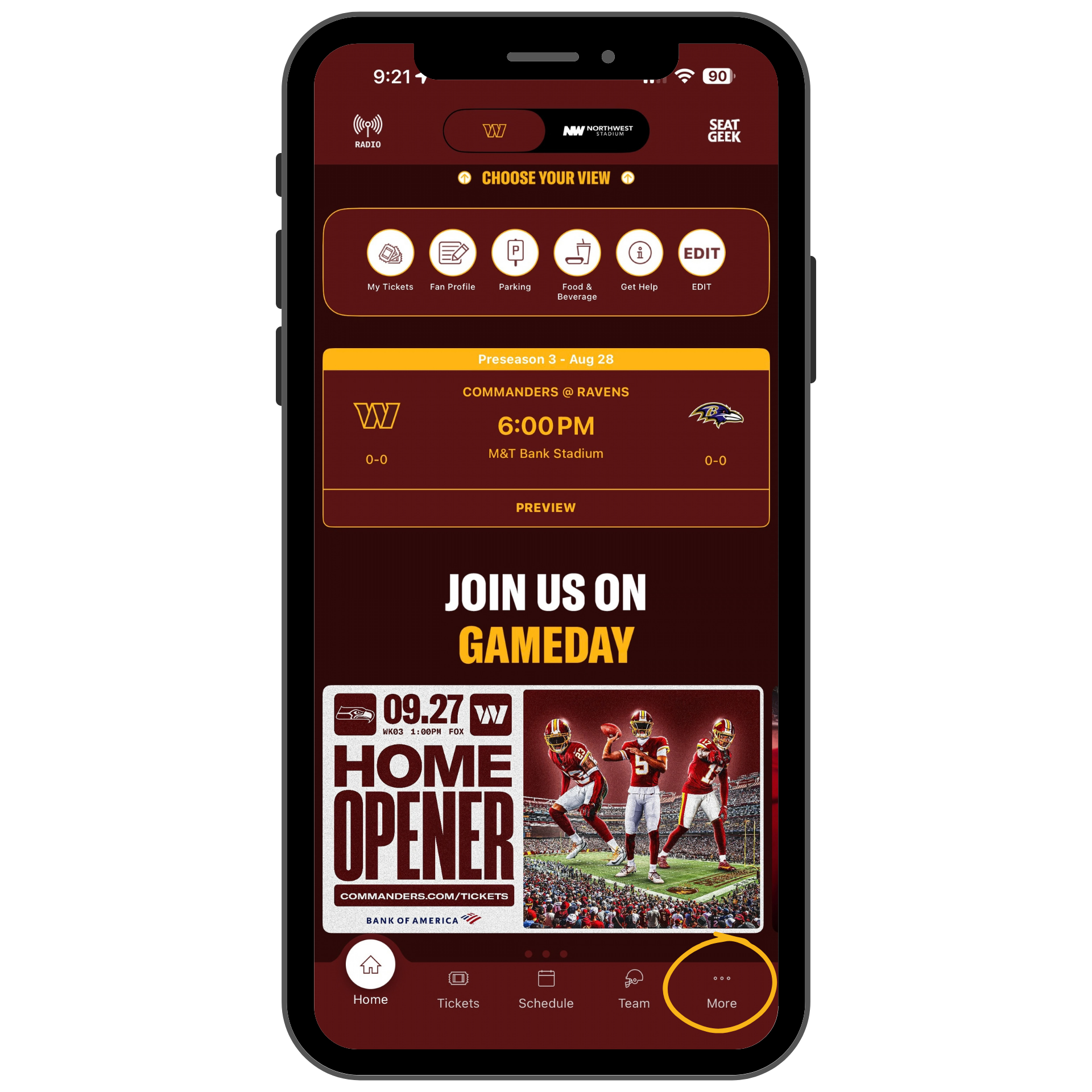
Open the Commanders app and in the bottom, right-hand corner of your screen, tap on "More" to access the app's menu.
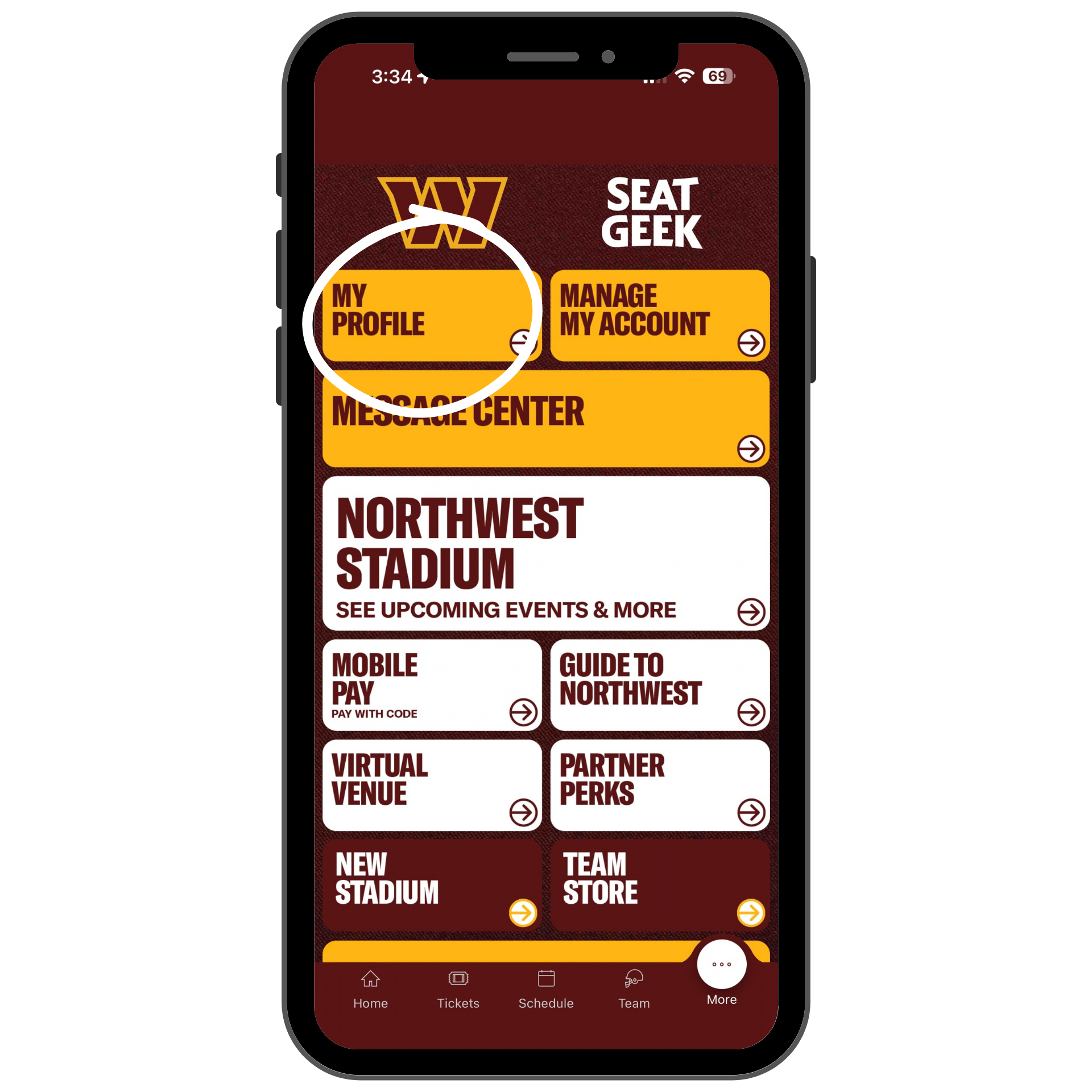
select "My Profile"
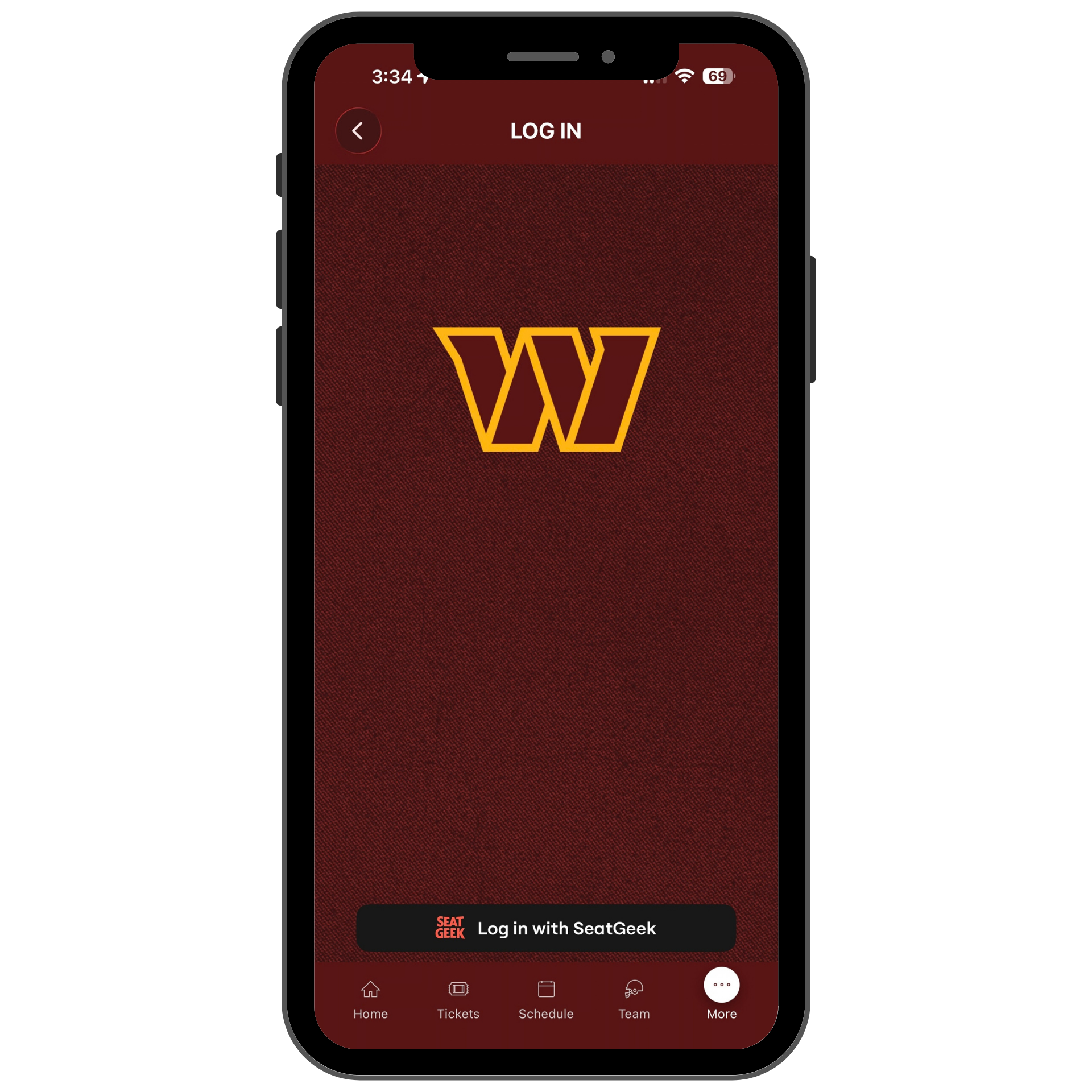
Select "Sign in with SeatGeek"
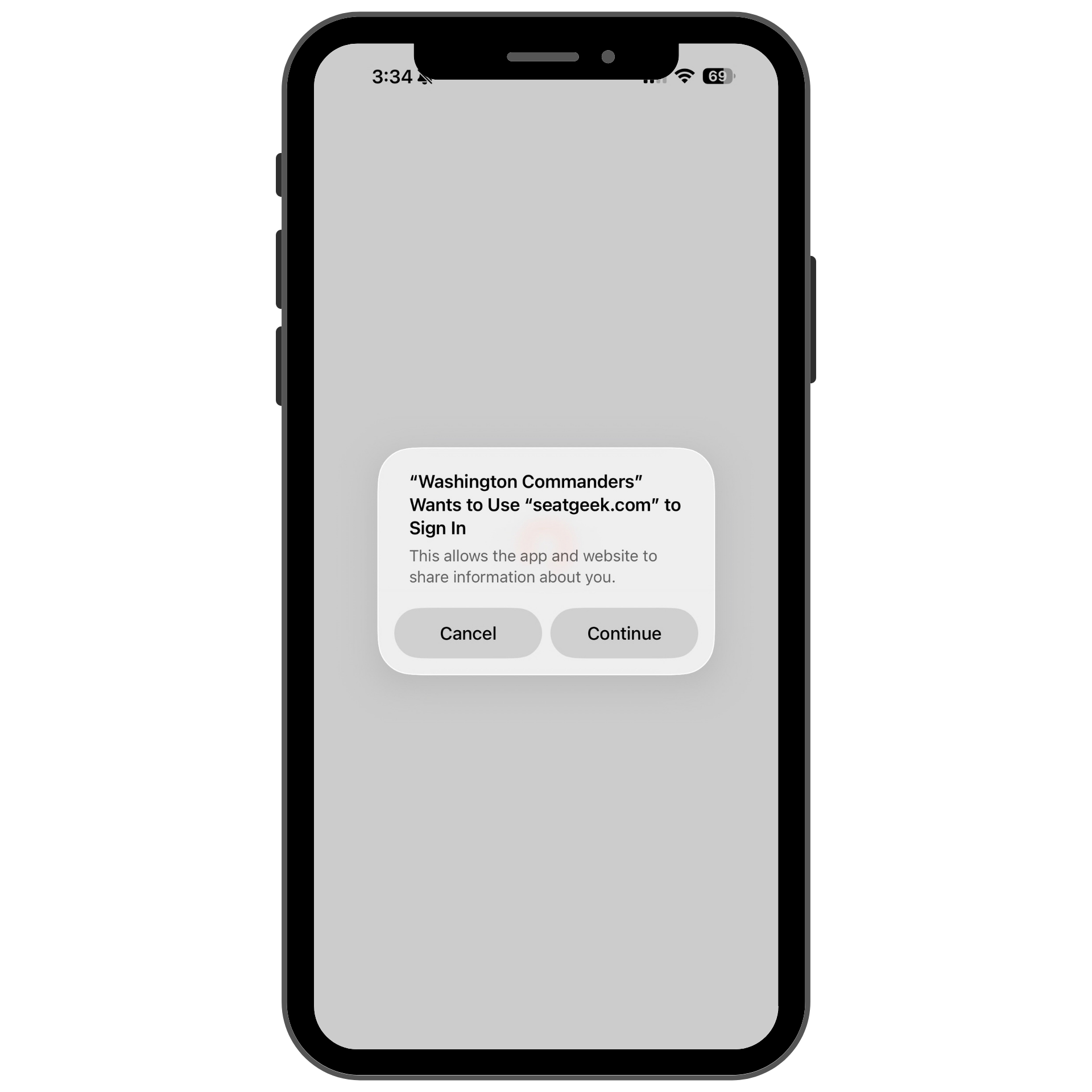
Select "Continue"
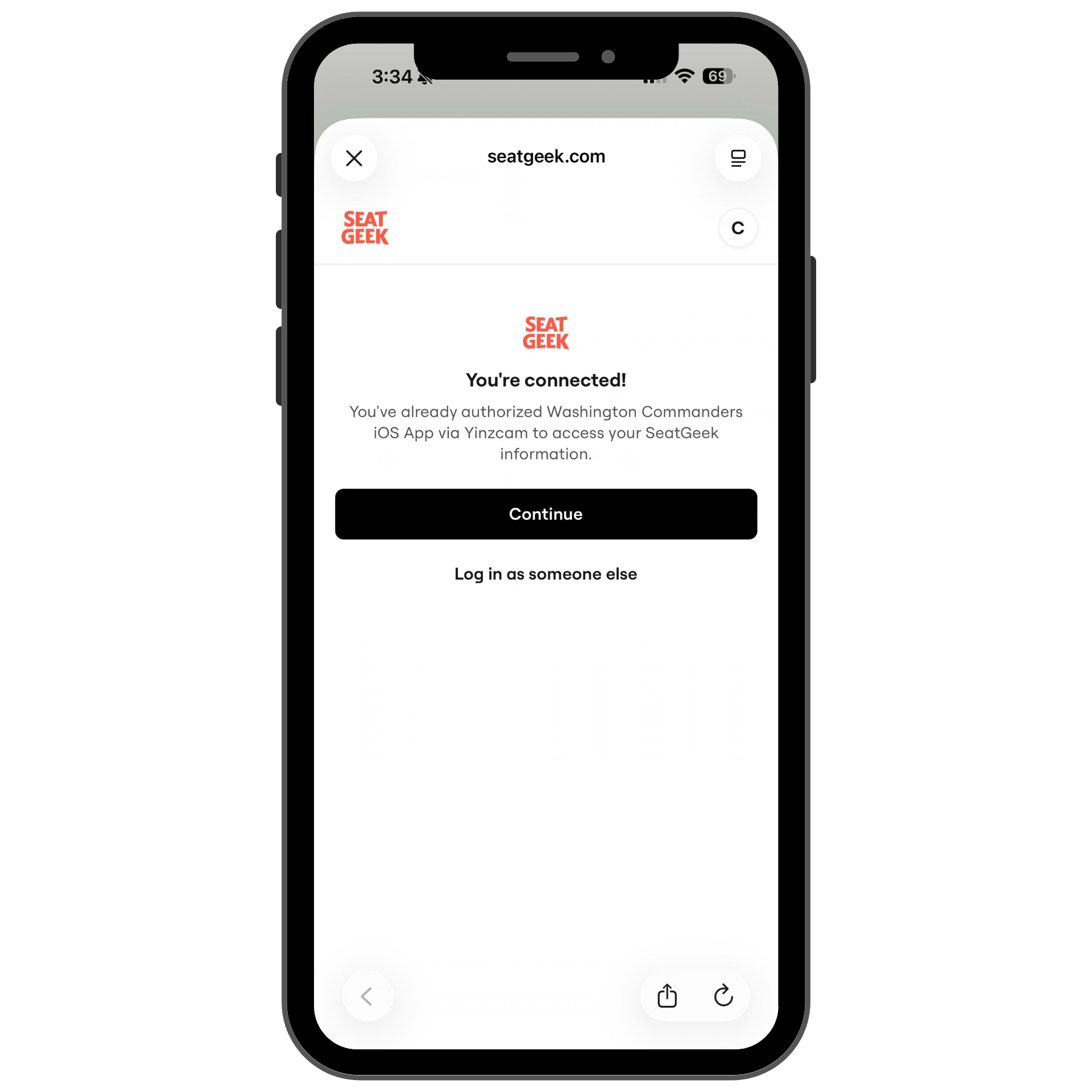
Select "Continue"
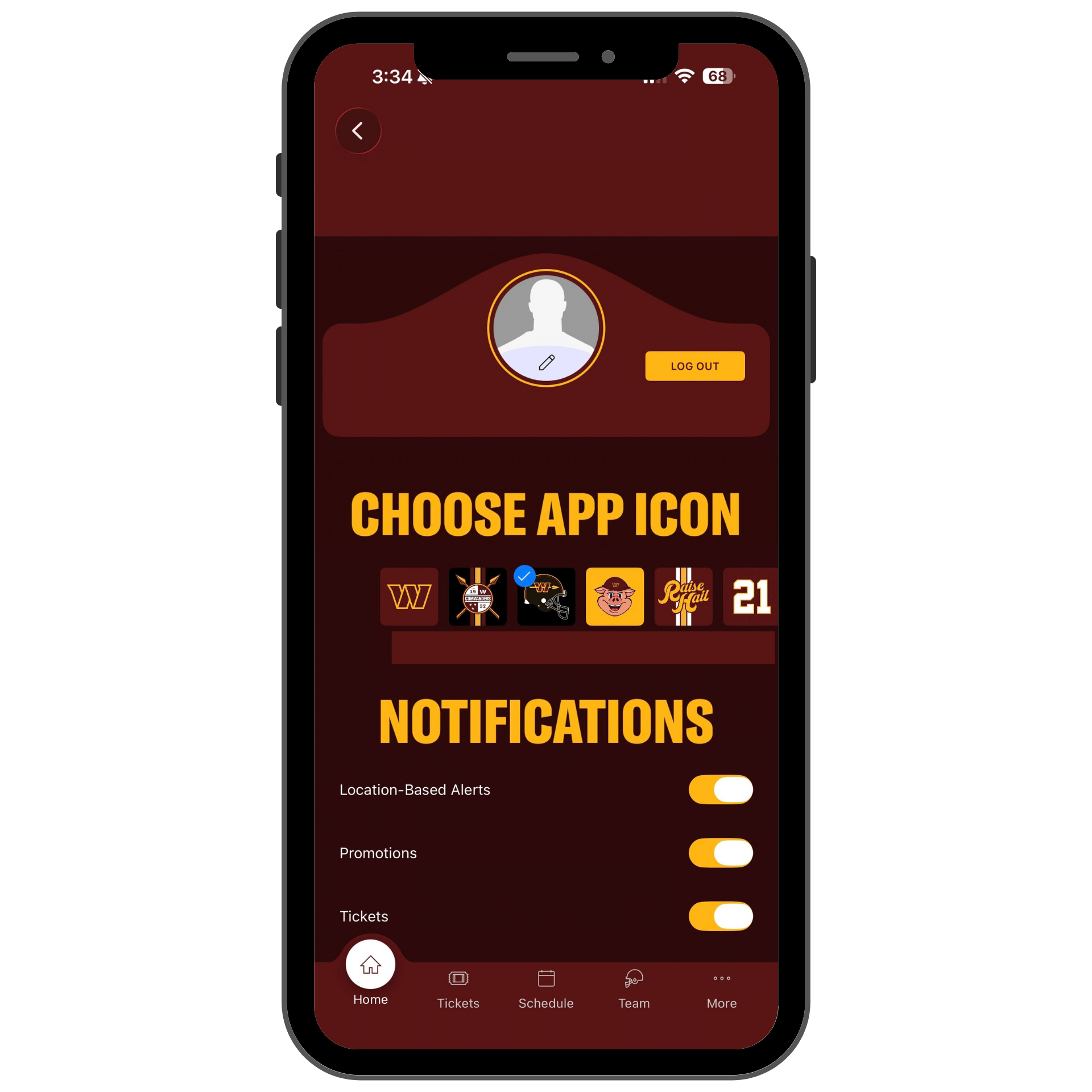
Then customize your app experience! Once you are logged in you can come back to this page by selecting the "My Profile" button in the main menu.